
Free HD
Open DownloaderInstagram Reels & Photos
Reels, Carousel posts & Story saver
Save watermark-free HD TikTok clips, photo slideshows, and MP3 audio sounds directly to your phone or computer in seconds.
Quick, free, and watermark-free media extraction on any device.
Open TikTok, locate the video or photo post, tap the Share arrow on the right side of the screen, and select "Copy Link".
Open VidFlux TikTok Downloader in Safari, Chrome, or your desktop browser, and paste the URL into the search field.
Click Extract to inspect format options. Select "No Watermark MP4" for clean video, "MP3 Audio" for sound, or "Photos" for slideshow images.
High performance media extraction optimized for privacy, speed, and original resolution.
Fast media extraction directly in your browser.
Download original high-definition videos, reels, and media in clear quality.
100% free online tool. No apps, browser extensions, or credit cards needed.
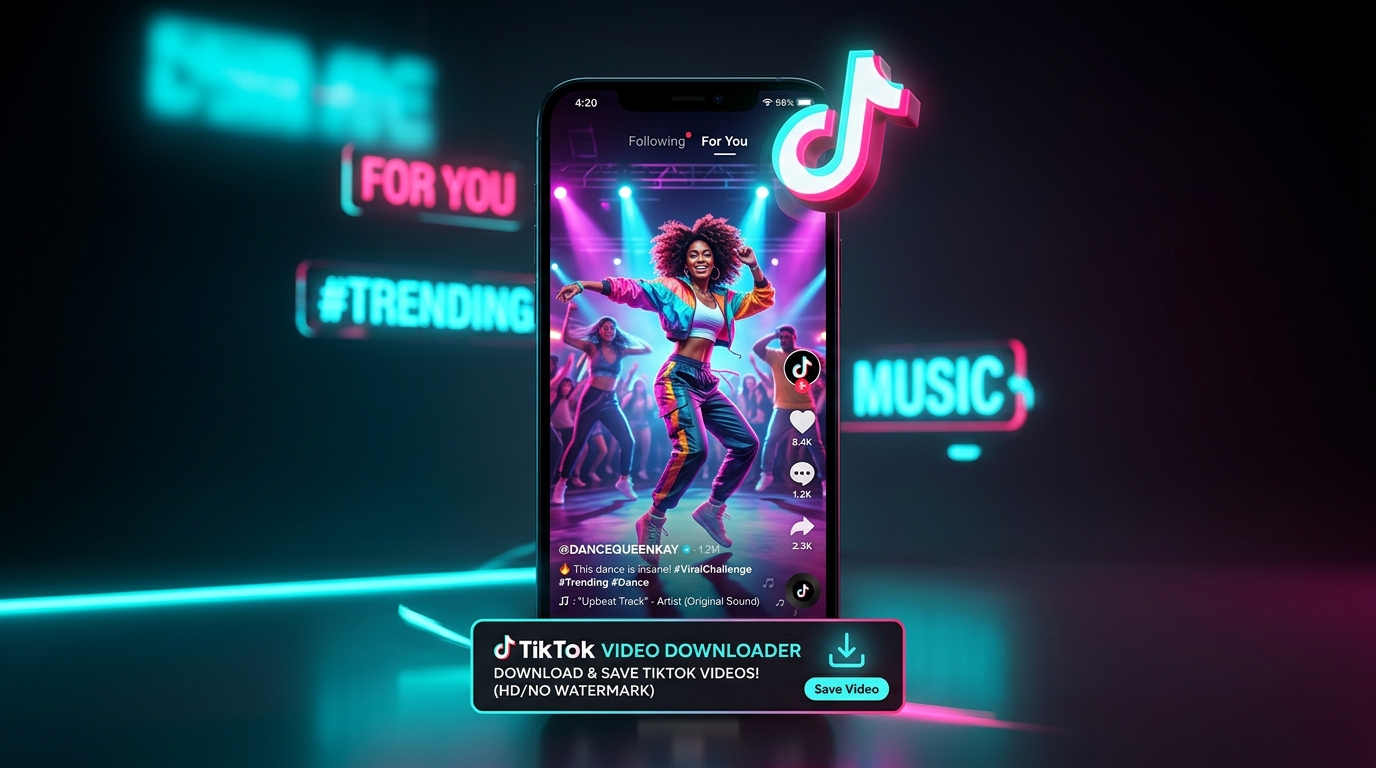
VidFlux parses TikTok links directly to deliver clean MP4 video and audio downloads in available quality without compression loss.
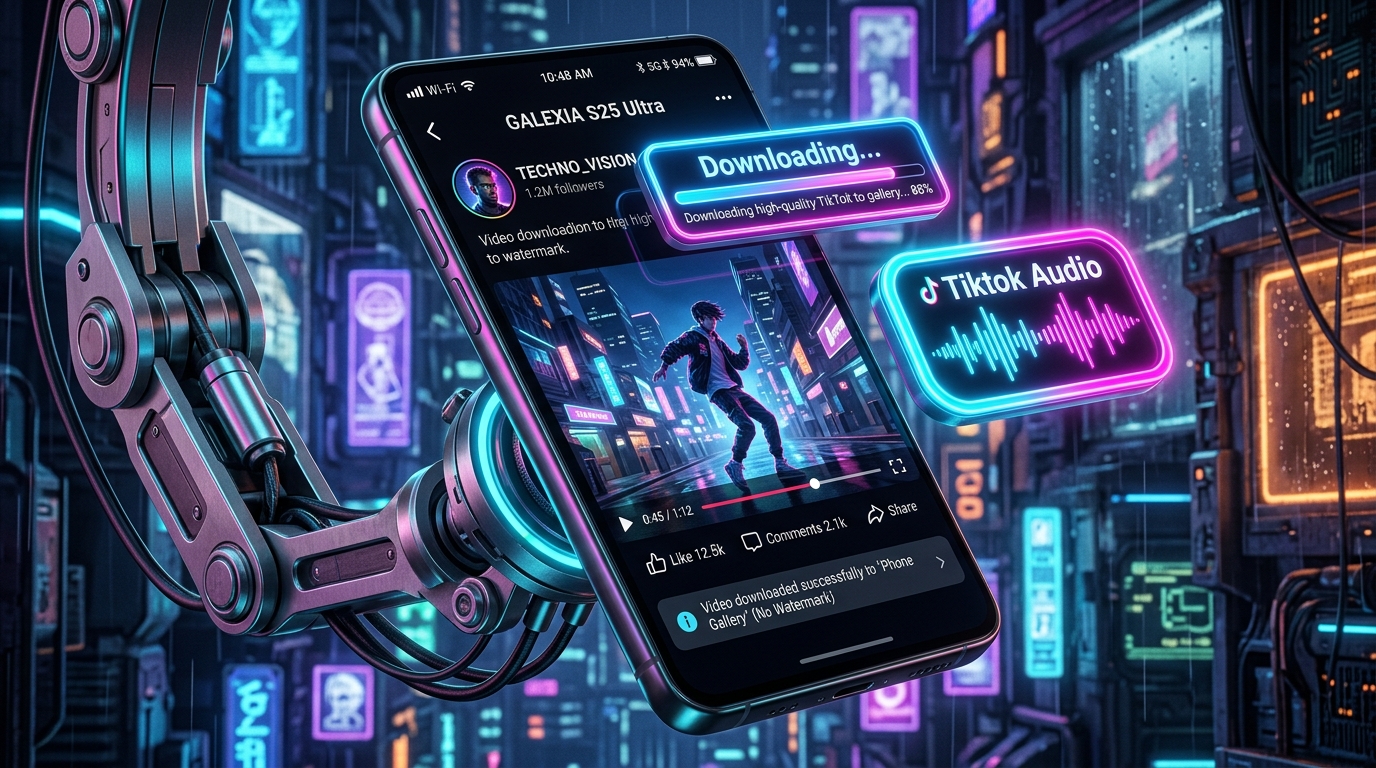
VidFlux processes public links directly in your browser. We don't store your downloaded files. Compatible with iOS, Android, macOS, Windows, and Linux.
Transparent technical capabilities and service boundaries for TikTok.
Full resolution MP4 without the bouncing TikTok logo or creator username overlay.
Extracts the original background sound or voiceover as an audio track.
Download individual full-resolution photos from TikTok slideshow carousel posts.
Videos posted from private TikTok accounts or restricted region-locked accounts cannot be retrieved.
TikTok caps uploads at 1080p resolution. Downloads match the original upload quality and cannot be artificially upscaled.
Videos deleted by the creator or removed under community guidelines are inaccessible on TikTok servers.
When you paste a TikTok link, VidFlux contacts the public edge endpoints where raw video files are hosted. By parsing the underlying media manifest, we retrieve the clean MP4 stream that existed before the watermark overlay was injected by the client app.
Share your feedback and vote on planned features to help improve VidFlux.
VidFlux streams media directly from source content delivery networks to your browser. We never save, index, or store your downloaded files on our servers.
TikTok has established itself as the global epicenter for innovative short-form video storytelling, viral audio trends, and expressive photo mode slideshows. When users save videos natively using the official TikTok mobile app, the platform automatically stamps a bouncing animated watermark and creator username across the footage. This visual overlay often obscures important text, graphic captions, and facial reactions, while also creating algorithmic distribution penalties when creators repurpose their own original footage across other platforms. Furthermore, TikTok does not provide a native setting to extract standalone background music tracks as audio files or download individual pictures from multi-image photo mode carousels. VidFlux TikTok Downloader overcomes all of these obstacles by communicating directly with public media edge networks. Our extraction system resolves clean, unbranded MP4 video streams before the watermark layer is rendered, while also offering separate high-fidelity MP3 sound extraction and individual photo slideshow downloads. Everything operates effortlessly within your mobile or desktop browser without software installations or user accounts.
Everything you need to know about downloading TikTok media. Contact our friendly team.
Simply copy the video link from TikTok, paste it into VidFlux, click Extract, and choose the "No Watermark MP4" download button.
Technical guides on media formats, social media tips, and privacy best practices.
Legal Disclaimer: VidFlux is an independent web utility and is not affiliated with, endorsed, or sponsored by TikTok or any social media network. All trademarks, service marks, and brand logos are the property of their respective owners. Users are solely responsible for ensuring their downloads comply with applicable copyright laws and platform terms. For more information, please see our Disclaimer and Terms of Service.